

The app that keeps your device secure.
The Vyrex Companion App is the mobile counterpart to the Vyrex platform. It reports selected security signals from your device to the Vyrex portal, receives push alerts and enables incident mode — without accessing personal data, without root, without jailbreak.
What the app does
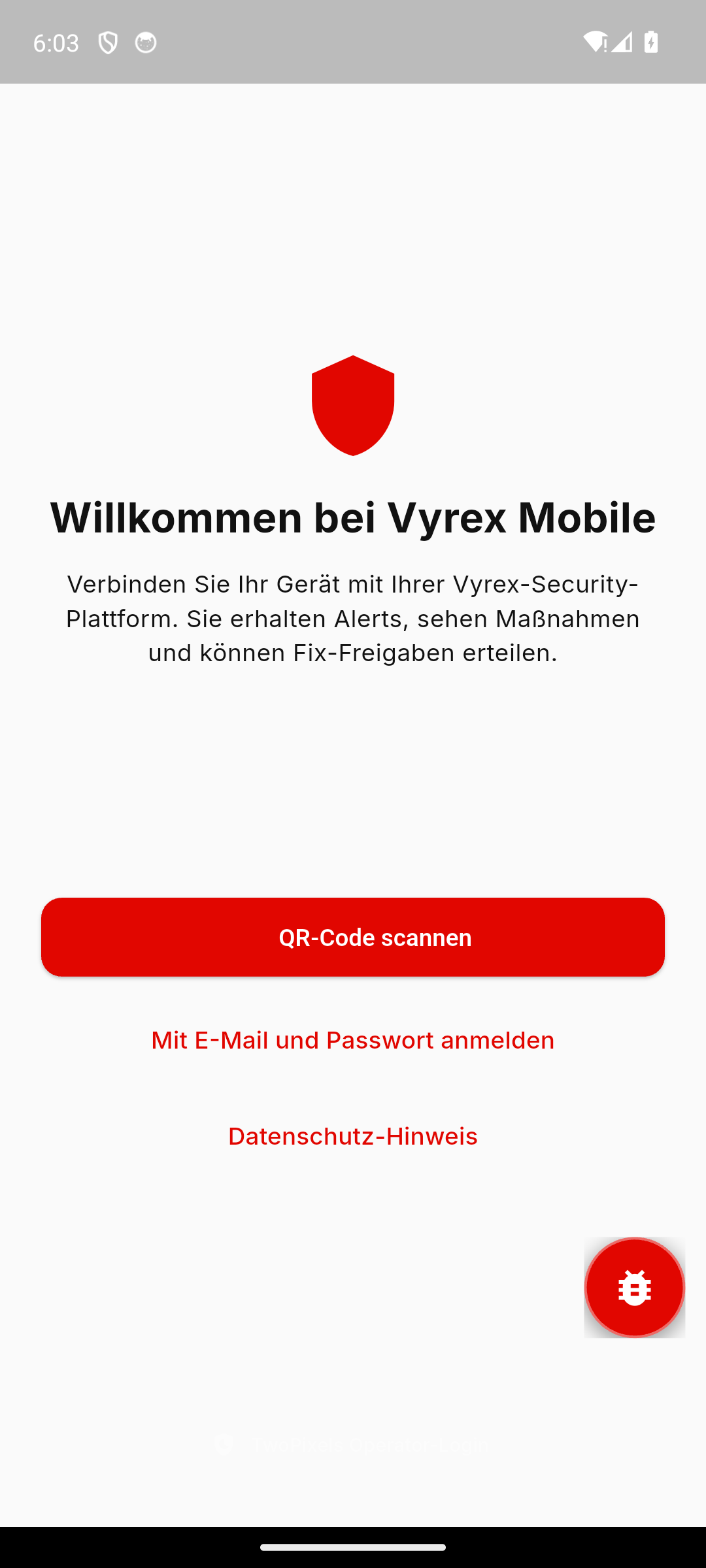
QR Enrollment
Device enrolled in under two minutes. Scan the QR code, confirm consent, done.
Security Signal Reporting
OS version, screen lock status, encryption and network connection are reported to the portal on a regular basis.
Push Notifications
Critical findings are reported immediately by push — with context and recommended action.
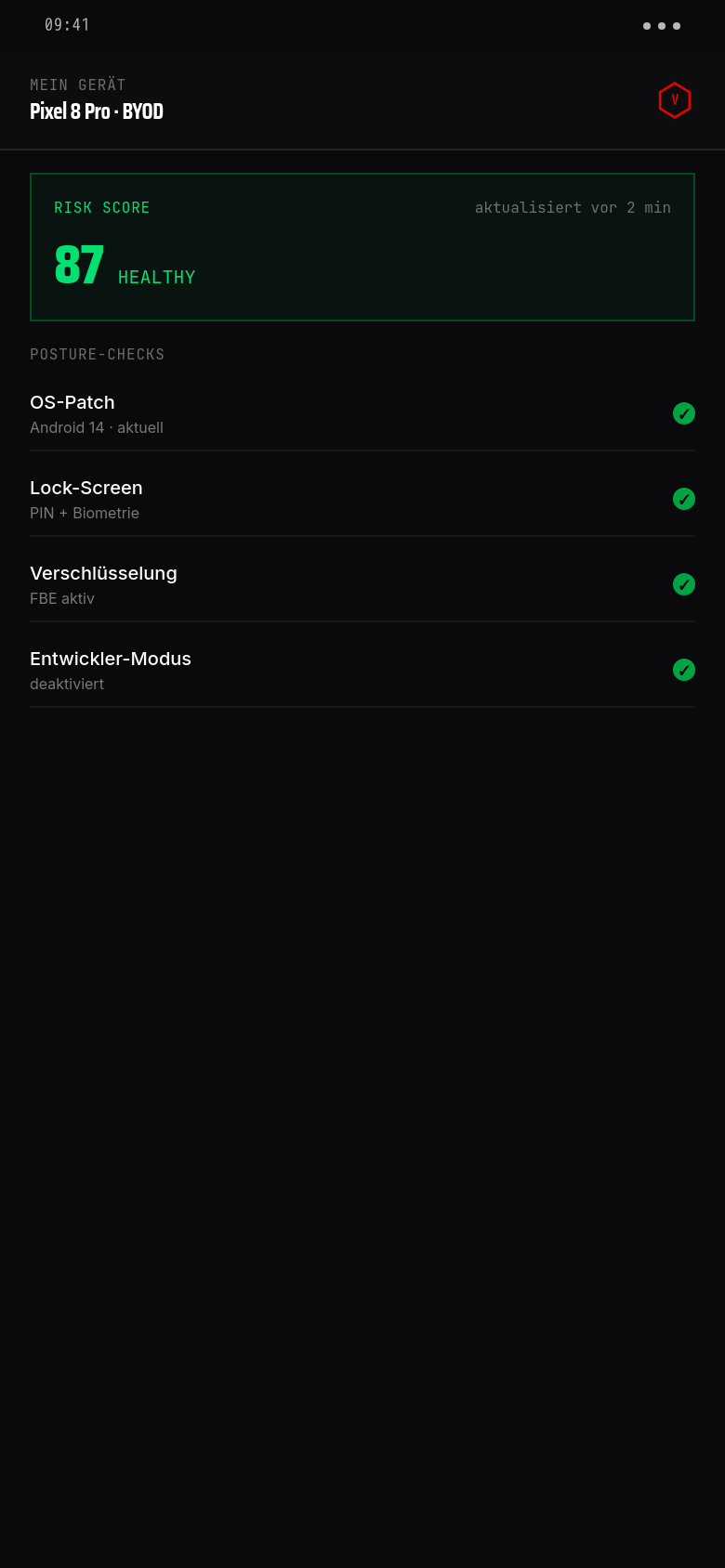
Risk Score Display
Your current mobile risk score is visible directly in the app — with an explanation of which factors influence it.
Compliance Status
Does your device meet company policies? The app shows it at a glance — and explains any deviations.
Incident Mode
During an active security incident: location sharing, fix confirmations and status updates directly in the app.
Privacy Transparency
Always viewable: which data is reported and which is not. The consent can be reviewed in the app at any time.
Offline Detection
Devices that do not check in for an extended period automatically generate a finding entry in the portal.
Network Warning
Connected to a known risky Wi-Fi? The app warns locally and reports the signal to the portal.
Dark Mode & DE/EN
Fully available in German and English, system theme is respected.
Available platforms
Android 10 and above. Available on Google Play. No root required. All core signals are supported.
iOS 15 and above. Available on the Apple App Store. No jailbreak required. Some system signals are restricted by the iOS sandbox and are labelled accordingly.
What the app does not collect
- No location history, no GPS data (except in voluntarily activated incident mode)
- No installed apps or app usage data
- No browser history, messages, or media files
- No contacts or calendar entries
- No microphone or camera access
- No authentication data or stored passwords

Lokal verschlüsselt, biometrisch geschützt
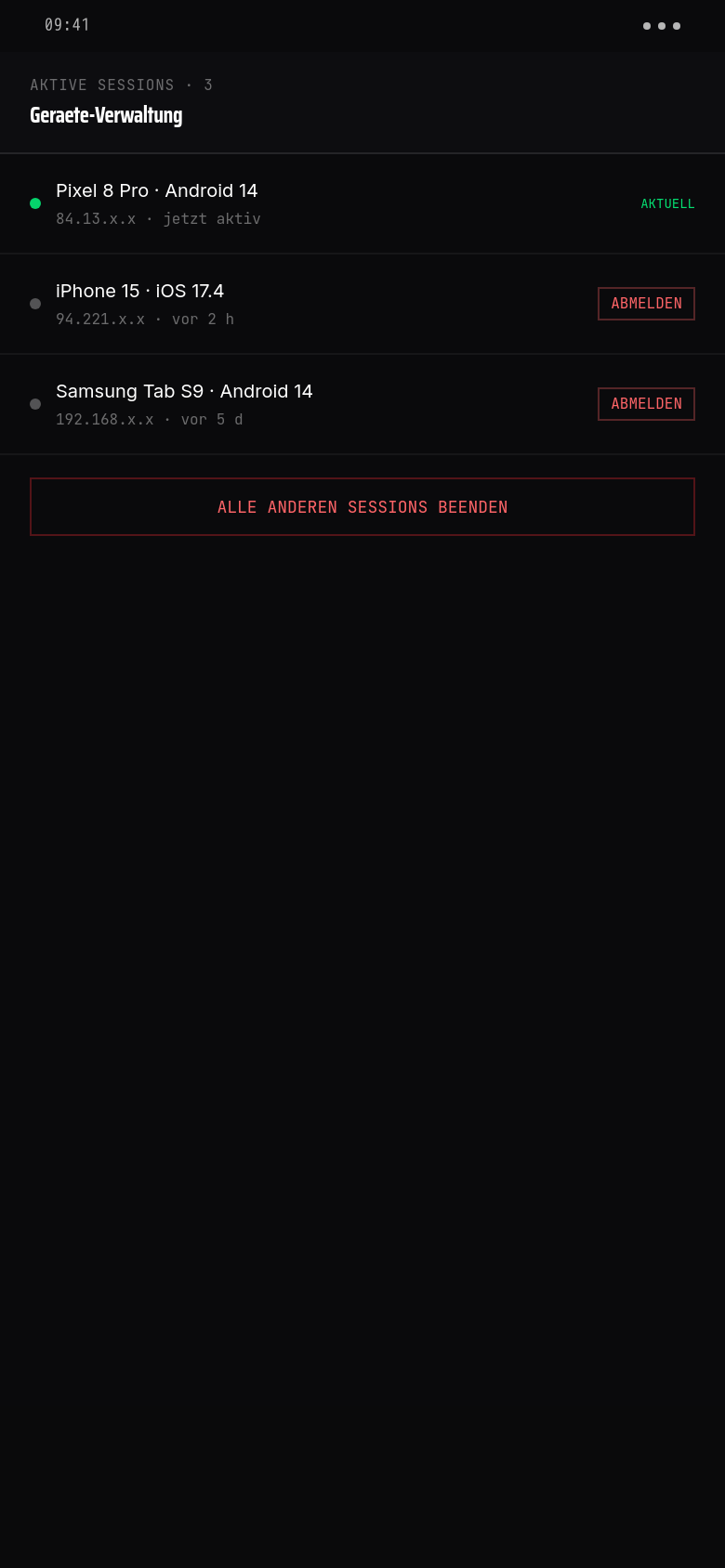
Die Vyrex-App entsperrt nur mit Face-ID, Fingerabdruck oder PIN. Auto-Lock nach 5 min Inaktivität. Aktive Sessions auf allen Geräten sichtbar — verloren? Mit einem Tap remote abmelden.
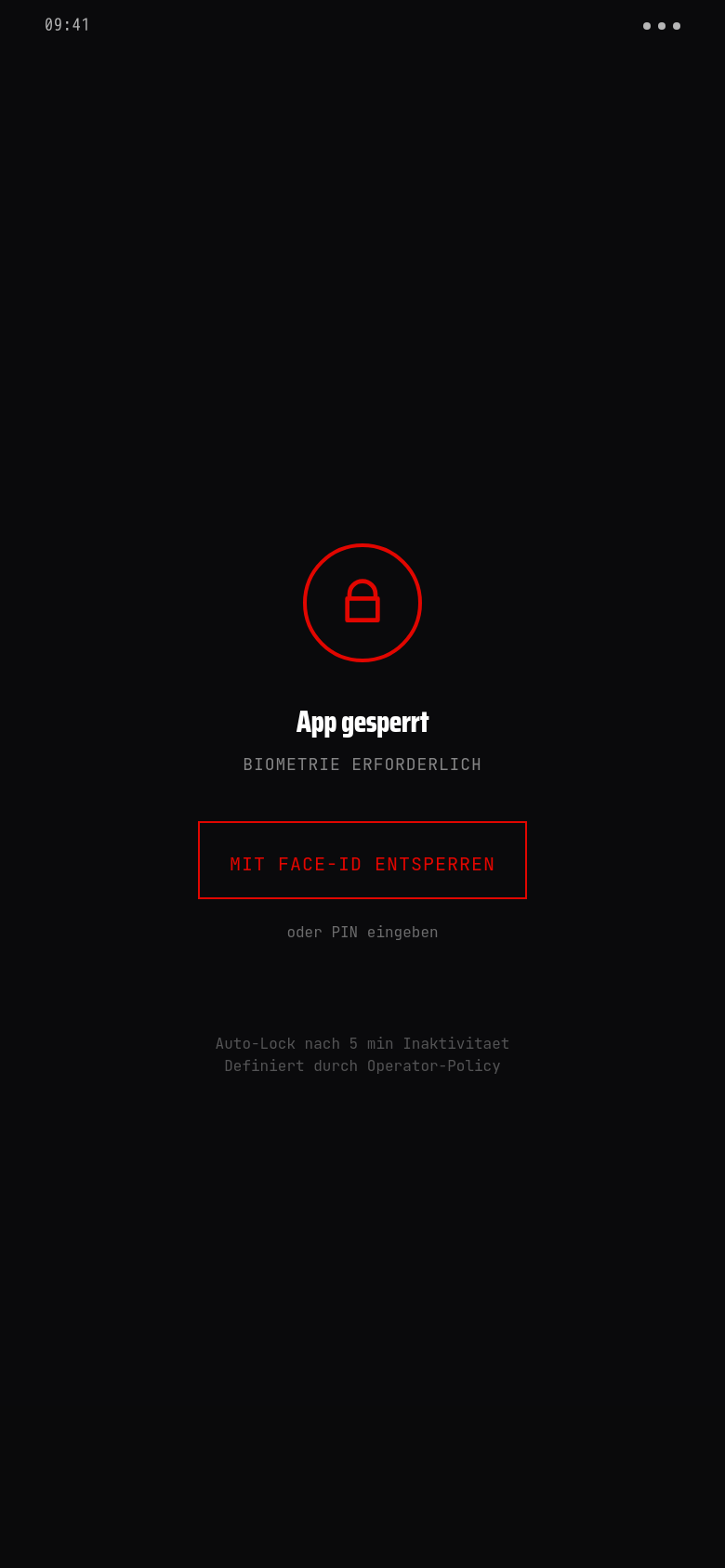
Auto-Lock Operator-konfigurierbar. Standard 5 Minuten — Hochsicherheits-Kunden setzen 1 Minute oder fordern Biometrie bei jedem Öffnen.
Session-Kill ohne IT-Ticket. Verlorenes Telefon, geklauter Tab, Ex-Mitarbeiter — User beendet die fremde Session selbst und sieht in Audit-Log, von welchen IPs zugegriffen wurde.
Tokens leben in Secure Enclave. Auth-Tokens (kurzlebig, 15 min) im iOS-Keychain bzw. Android-Keystore. Refresh-Tokens HMAC-signiert + per Device-Binding.
Enrollment in five steps
- 01
Download the app
Install the Vyrex Companion App from Google Play or the Apple App Store.
- 02
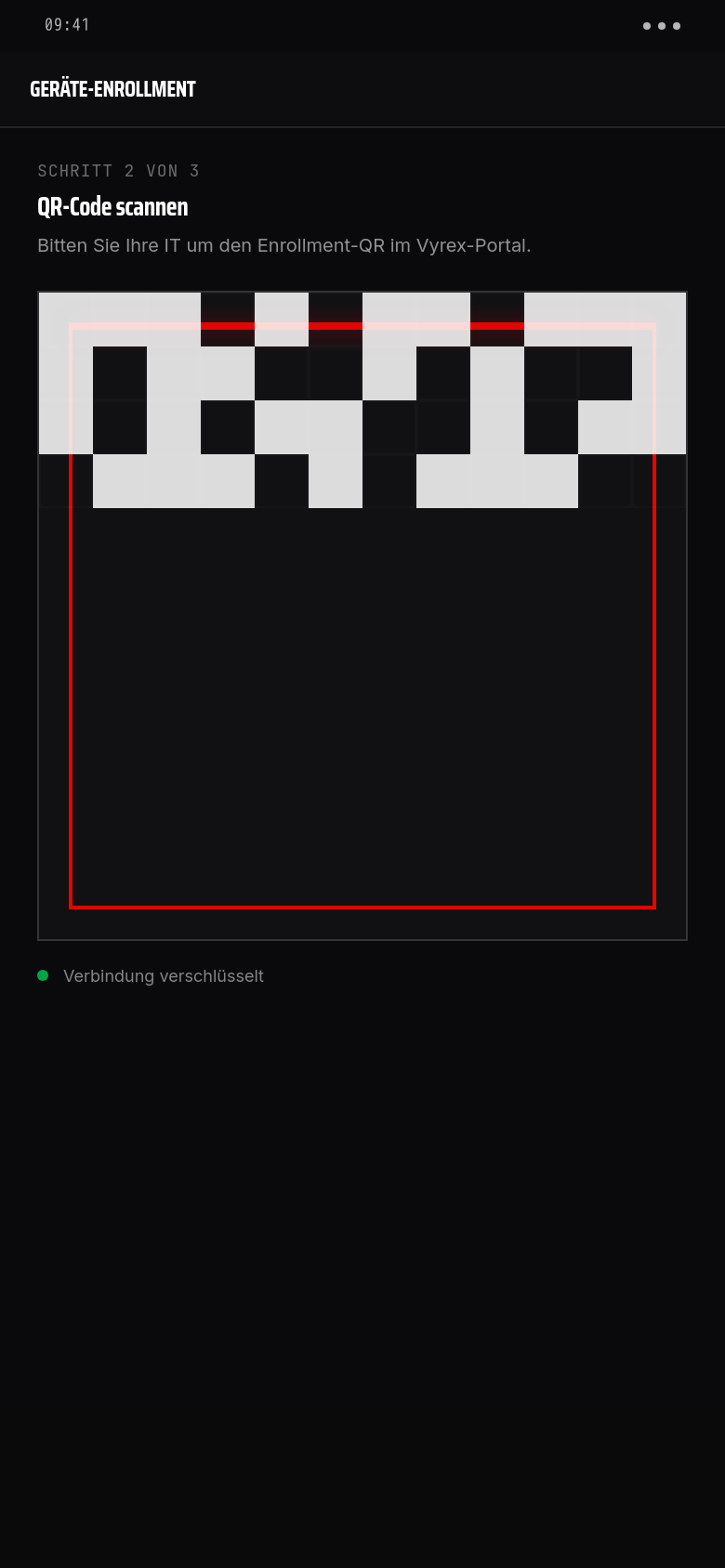
Receive QR code
The IT administrator provides an enrollment QR code through the Vyrex portal — by email or directly in the portal.
- 03
Scan QR code
Scan the QR code in the app. The app connects to the Vyrex portal and loads the company policies.
- 04
Confirm consent
Read and confirm the consent document. It explicitly lists which signals are collected — and which are not.
- 05
Enrollment complete
The device is visible in the Vyrex portal. The first risk score is calculated within five minutes.
Häufige Fragen
Can I withdraw my enrollment consent?+
Yes, at any time in the companion app. After withdrawal the device is removed from the Vyrex portal and no further data is collected.
What happens if I uninstall the app?+
The device is marked as inactive in the Vyrex portal and generates a finding entry after a configurable period. Stored data is deleted after the contractually defined retention period.
Does the app drain battery?+
The app runs in the background with minimal resource use. Signals are transmitted in batches, not streamed continuously. In normal operation, battery consumption is comparable to a calendar app.
Does the app work abroad?+
Yes. Signals are transmitted over an encrypted connection, regardless of location. Location data is not collected during this.
Can my employer remotely delete the app?+
No. Vyrex Mobile has no remote wipe function. Uninstalling and deleting is entirely up to the device owner.