

MOBILE REPORTS

Reports that convince the auditor.

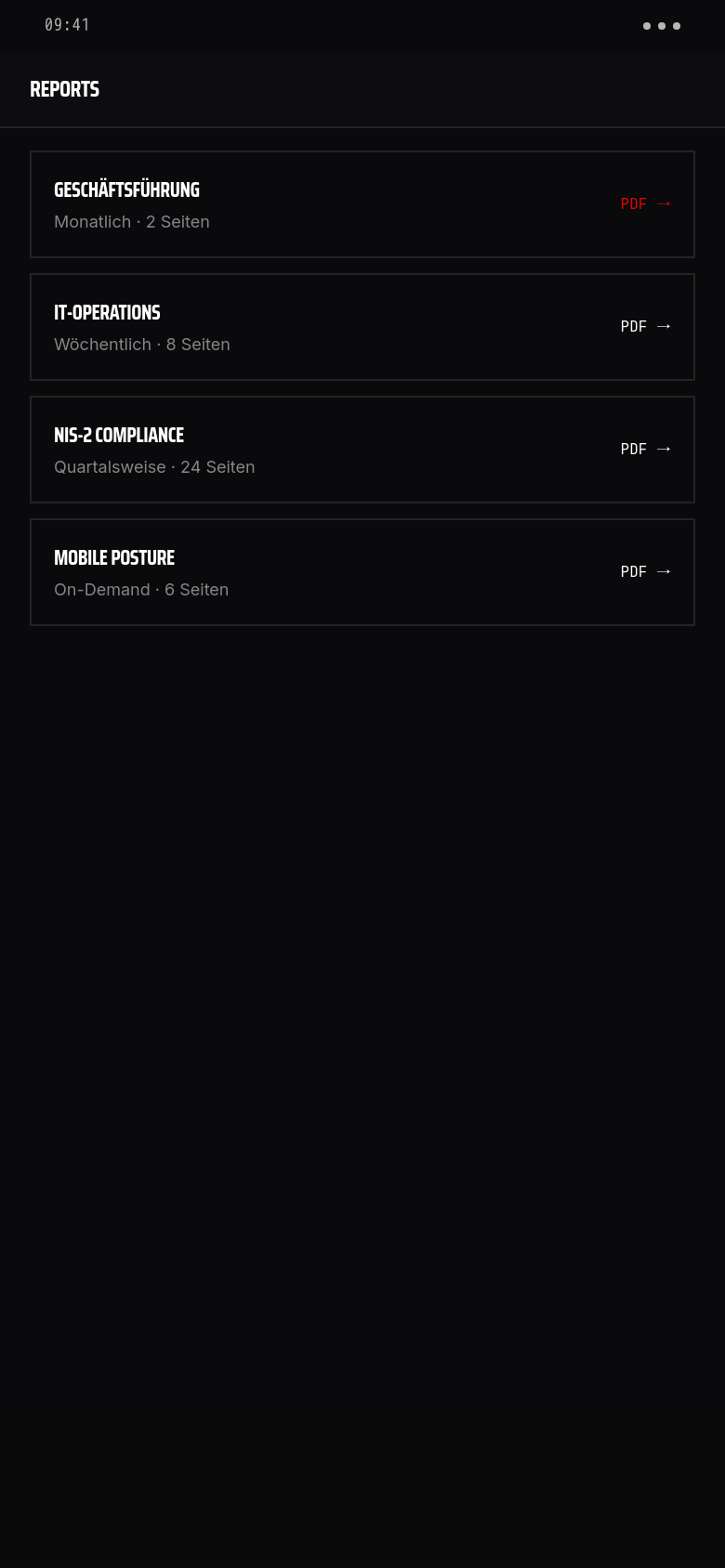
Security documentation is only as good as its readability. Vyrex Mobile generates four report types tailored to their audience — from executive summary to technical detail report.

Reports · Cover
Reports · Cover
Reports · Archiv
Reports · Archiv
REPORT-ARCHIV

Was bei Audits zählt

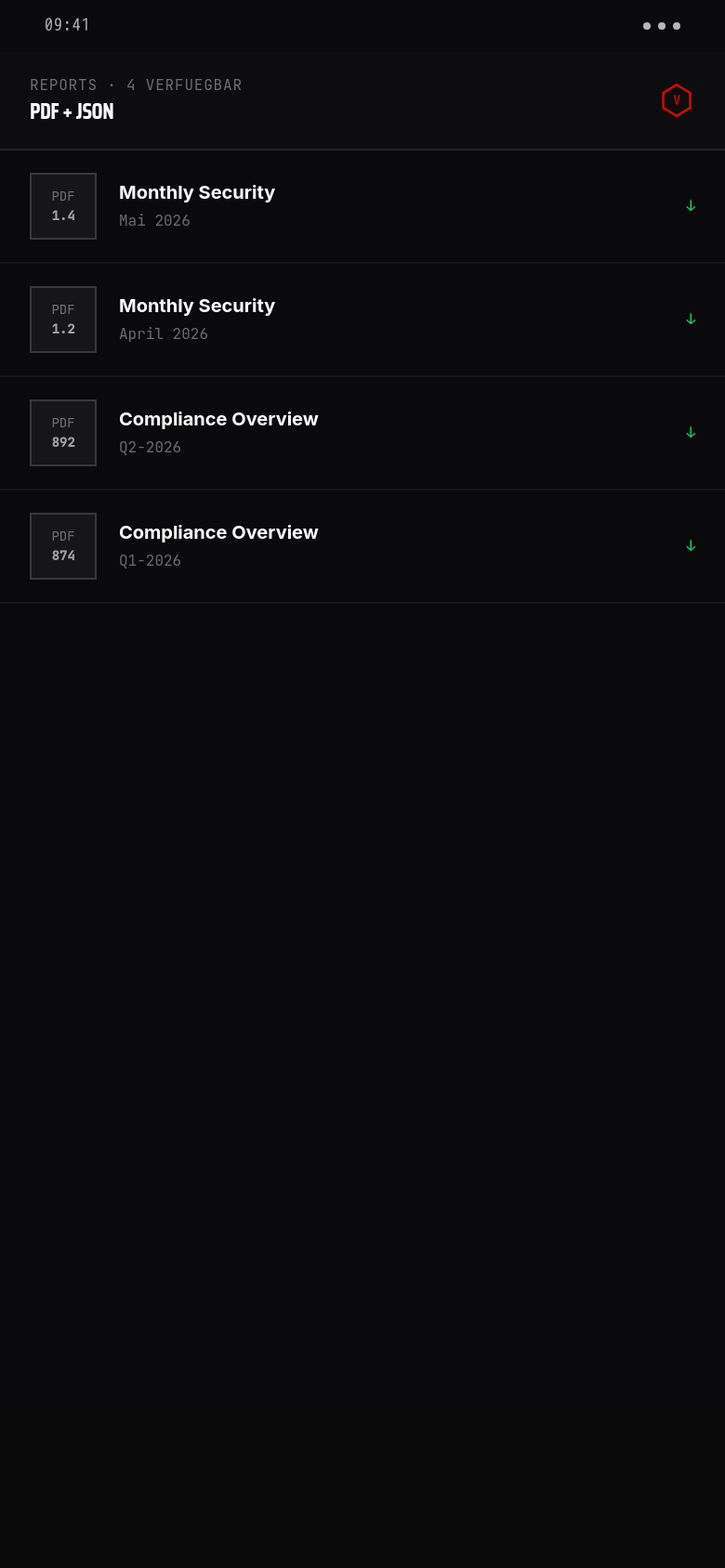
Vyrex hält alle monatlichen Security-Reports + Quartals-Compliance-Übersichten lebenslang vor. PDF + JSON, signiert. Auditor klickt einmal und hat alles, was er braucht.

4 PDFs verfügbar
4 PDFs verfügbar

Monthly Security Report. Zusammenfassung aller Findings + Maßnahmen + Posture-Verlauf des Monats. Wird automatisch am Monatsersten erzeugt und per Mail an den Customer-Owner geschickt.

Compliance-Overview pro Quartal. Mapping auf NIS-2, DORA, ISO 27001, BSI Grundschutz. Für jeden Control dokumentiert: erfüllt / teilweise / offen — inklusive Begründung.

Versand-Tracking. Empfangsbestätigung pro Empfänger, DSGVO-konform protokolliert. Auditor sieht: wann an wen, mit welchem Inhalt.

VIER TYPEN

The four report types

Management

Mobile Leadership Report

One page. No jargon. The leadership report shows the company's mobile security status at a glance — with trend indicator and the three most urgent action items.

  • · Overall mobile device risk (aggregated score)
  • · Trend over the last 30 days
  • · Number of compliant / non-compliant devices
  • · Top 3 open findings
  • · Recommended actions in priority order
IT administrators

Mobile IT Report

Complete device list with all scores, findings and action status. The IT report is the working document for IT staff — all information needed to prioritise and address issues.

  • · Complete device list with risk score and status
  • · All open findings per device
  • · Security signals and their current values
  • · Action status (open / in progress / completed)
  • · Compliance deviations per device with policy references
Compliance officers and external auditors

Mobile Compliance Report

Audit-ready documentation of mobile security levels. Contains policy coverage, deviation history and NIS-2/ISO 27001 mapping — structured so that an external auditor without prior knowledge can follow it.

  • · All configured policies with effective date
  • · Coverage: how many devices meet the policy
  • · Deviation history of the last 90 days
  • · NIS-2 Article 21 mapping
  • · ISO 27001 control references
IT administrators and auditors

Mobile AutoFix Report

Evidence of all automatic and manually approved remediation actions. The AutoFix report documents what was detected, which action was taken, who approved it and when the finding was closed.

  • · All AutoFix actions in the reporting period
  • · Per action: finding, action taken, approving user, timestamp
  • · Manual remediations with comments
  • · Open findings without remediation (escalation candidates)
  • · Summary: MTTR (mean time to remediate) for mobile findings
AUTOMATISIERUNG

Report automation

  • Reports can be automatically generated and emailed on a schedule
  • Recipients configurable separately per report type (leadership only gets leadership report)
  • Delivery interval: daily, weekly or monthly
  • Reports are retained in the portal for 24 months and retrievable at any time
  • Manual ad-hoc generation for audits possible at any time
PDF

PDF format and audit suitability

All reports are output in Vyrex PDF format: black cover with V logo, clear structure, page numbering, generation timestamp and version number. A brief guide to interpreting the scores is included for external auditors.

FAQ

Häufige Fragen

Can I generate reports for a specific time period?+

Yes. All report types support a freely selectable time span. The default is the last calendar month.

Are reports personal or pseudonymised?+

By default, device names are shown, which usually do not carry personal identifiers. Reports can optionally be generated fully pseudonymised — a setting in the report module.

Can reports be exported to another system?+

Reports are available as PDF and JSON export. JSON exports can be retrieved via the Vyrex API.

How long are generated reports stored?+

24 months by default. An extension to 36 months is bookable for Compliance package customers.