
What no app sees, EDGE sees.
Not every employee installs the companion app immediately. Not every device can be enrolled. VYREX EDGE at the local router passively captures all mobile devices in the LAN — making visible what is moving in the network.
The problem with app-only approaches
Pure app-based mobile security solutions have a structural weakness: they only see devices that have the app installed. BYOD devices without enrollment, guest devices and unauthorised mobile devices remain invisible — even though they are active on the network.
- BYOD devices that employees cannot or will not enroll
- Guest devices with access to the company network
- Privately brought devices from employees in production or warehouse environments
- Compromised devices where the app has been uninstalled
How Mobile Edge works
- 01
EDGE at the router
The VYREX EDGE appliance sits as a transparent bridge at the local router and passively captures network traffic — without modifying it.
- 02
Device detection
EDGE captures MAC addresses, device classes (mobile, laptop, IoT) and connection profiles of all devices in the LAN.
- 03
Compare with enrollment database
Detected devices are compared against the list of enrolled devices. Known devices are updated, unknown ones captured as findings.
- 04
Alert on unknown devices
New, unenrolled mobile devices immediately generate an alert in the portal and — depending on routing — a push to the IT administrator.
- 05
Correlation with Node data
Edge findings feed into Vyrex NODE and are correlated with other security events — for a complete risk picture.
What Mobile Edge detects
Unenrolled mobile devices
Every mobile device connecting to Wi-Fi or the LAN is captured — regardless of whether it has the companion app.
Connection times and duration
When was an unknown device on the network, for how long, with which profile? This data helps assess the risk.
Device classes
Edge distinguishes between mobile devices, laptops, IoT devices and other clients — for more targeted alerts.
Recurring unknown devices
A device that appears daily but is never enrolled is flagged as a risk candidate in the portal.
Connection anomalies
Unusual connection times, high data volumes or atypical protocols on a mobile device generate additional signals.
Mobile Edge pairing
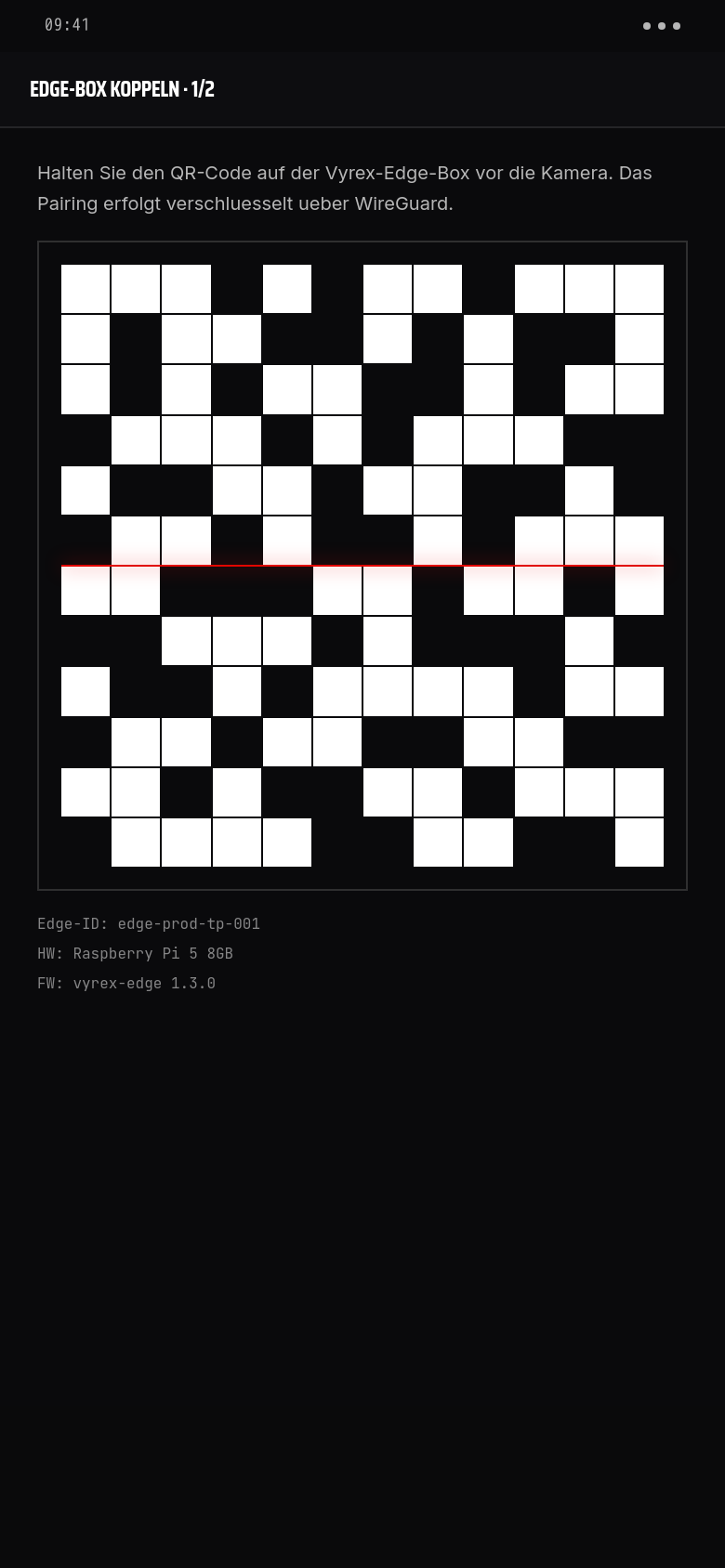
When a device is both enrolled via the companion app and detected by EDGE in the network, automatic pairing occurs. Network signals are combined with app signals — for a more complete risk score.
- Pairing occurs automatically via MAC address and device fingerprint
- Combined score from app signals and network signals
- Contradictions (app reports safe, network anomalous) are captured as findings
- Pairing status is viewable in the portal per device
Benefits of Mobile Edge
Complete visibility
No mobile device in the LAN is invisible — enrolled or not.
Full BYOD overview
Even devices that refuse or forget enrollment are visible in the portal.
No agents required
EDGE works at the network level — no software needs to be installed on the mobile device.
NIS-2 compliance foundation
Demonstrating that all devices in the network are known and assessed is a central NIS-2 argument.
Integrated into the Vyrex stack
Edge findings feed seamlessly into NODE — no separate tool, no manual consolidation.
VYREX EDGE-Hardware sehen?
Zur EDGE-HardwareHäufige Fragen
Can EDGE read network traffic?+
EDGE analyses connection metadata (MAC addresses, protocols, connection times), not plaintext content. Encrypted traffic (TLS) is not decrypted.
Do I need VYREX EDGE for Vyrex Mobile?+
No. The companion app and portal work without EDGE. EDGE is an optional extension that expands visibility to unenrolled devices.
What happens to captured data from unenrolled devices?+
Network metadata from unenrolled devices is stored in the Vyrex portal as anonymous findings. No personal data is collected, as no link to a person is established.
Does EDGE work with network segmentation (guest Wi-Fi, IoT VLAN)?+
Yes, provided EDGE has access to the relevant segments (SPAN port or transparent bridge per segment). Configuration is handled during onboarding.